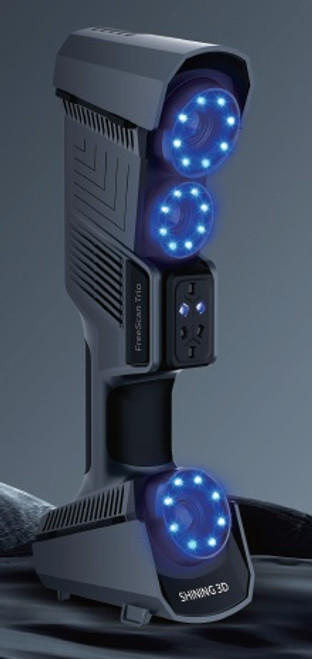



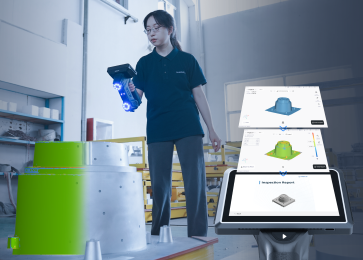
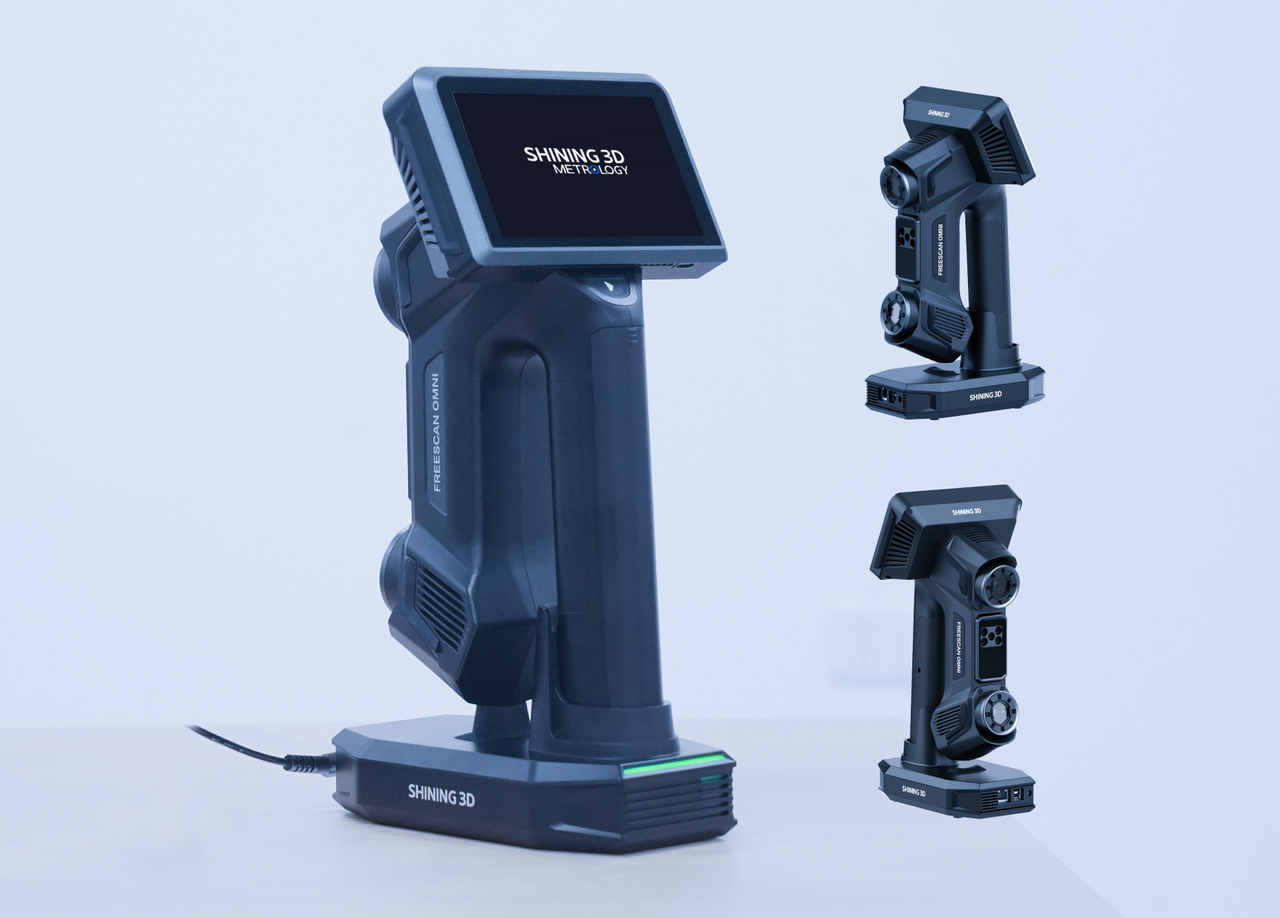

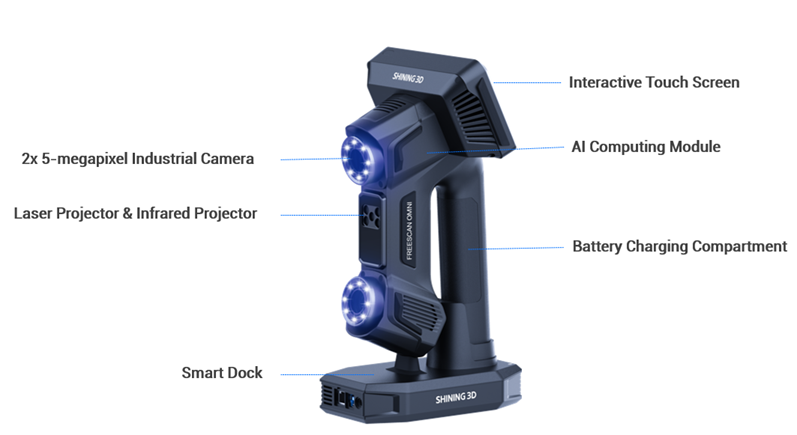
SHINING 3D's Einscan Omni is an all-in-one, metrology-grade 3D scanner designed for a standalone, wireless workflow for quality inspection and high-performance scanning. It is ideal for industrial use cases, from the production floor to the lab, and features powerful on-scanner processing.
Key features
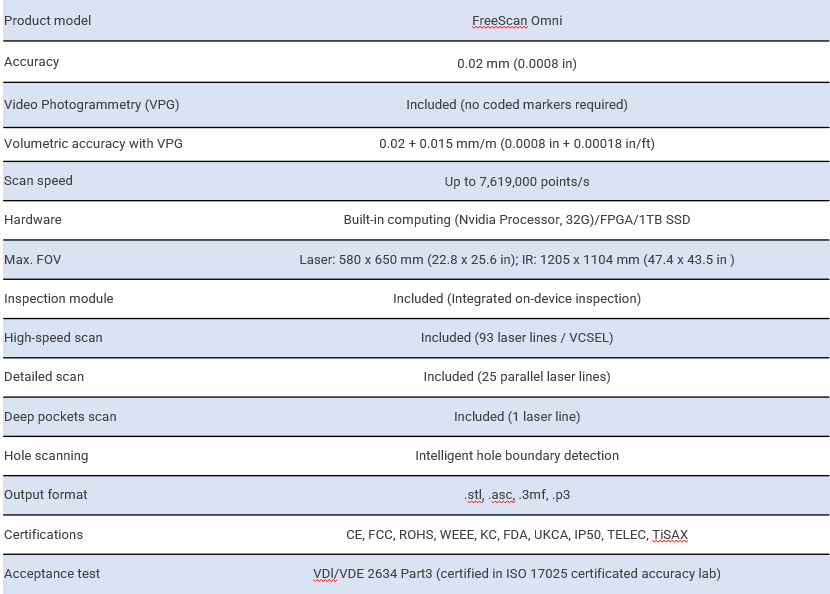
The Einscan Omni offers a range of features, including a wireless and standalone design with an onboard 5.5-inch touchscreen for a direct scan-to-inspect workflow. It uses integrated video photogrammetry (VPG) to eliminate the need for coded markers and maintain volumetric accuracy on large objects. The scanner has multiple modes using blue laser and IR VCSEL technologies, including high-speed, detailed, and IR rapid scanning options. It is certified for metrology accuracy with a volumetric accuracy of 0.02+0.03 mm/m0.02 plus 0.03 mm/m 0.02+0.03mm/m. The integrated SHINING 3D Inspect software, certified by PTB, enables on-scanner inspections, reporting, and data export using preset templates. The scanner can also handle a variety of surfaces, including reflective and black ones.
Applications
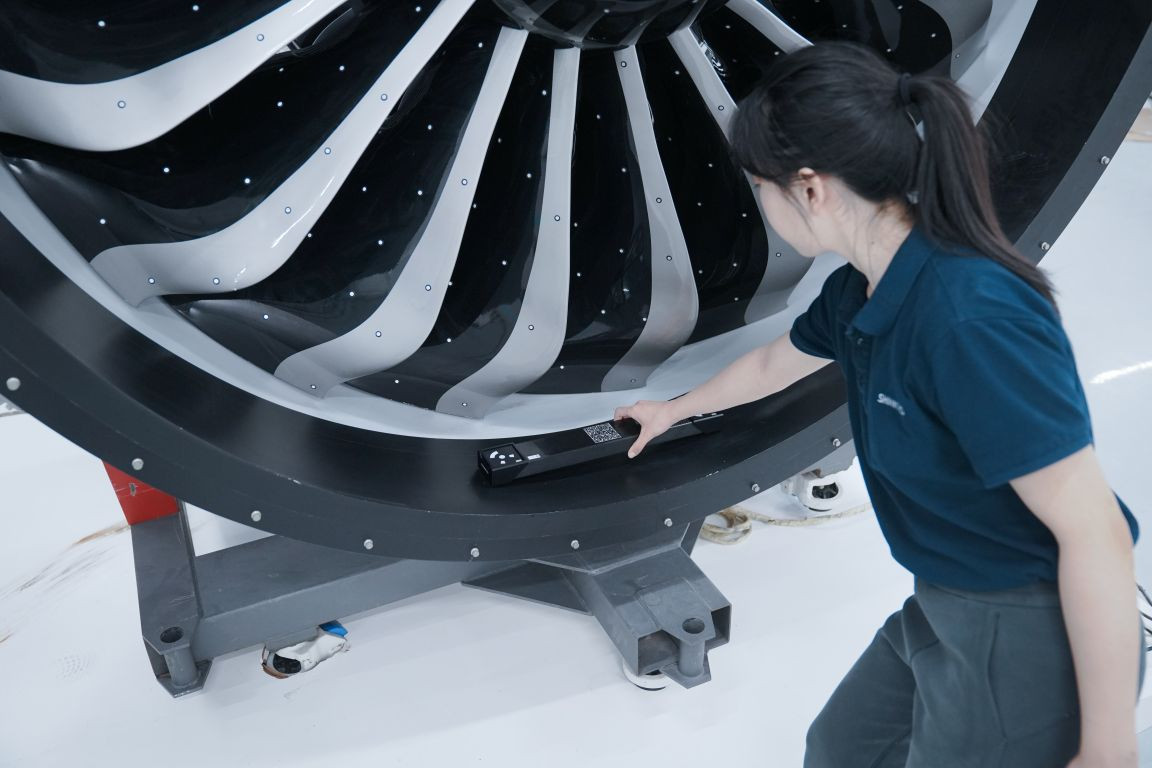
The Einscan Omni is suitable for various professional applications, such as scanning car parts in the automotive industry, complex structural components in construction machinery, large parts on-site in energy and heavy industry, and for quality control and reverse engineering in general manufacturing.
Blue laser modes
These modes are designed for precision and capturing fine details, making them ideal for high-accuracy industrial applications.
- Detailed scan mode: Uses 25 parallel blue laser lines for capturing high-resolution data on objects. It is the optimal choice for smaller parts under 1x1x1 meter that need precise detail.
- High-speed scan mode: Uses 93 blue laser lines to capture overall geometry quickly.
- Deep pockets scan mode: Uses a single blue laser line to reach and capture geometry in deep, recessed areas that are difficult to access with wider scanning modes.
Infrared (IR) VCSEL modes
These modes are designed for rapid, flexible scanning, especially for larger objects or challenging surfaces, as they are less affected by ambient light.
- IR rapid scan mode: Allows for quick, marker-free scanning using an invisible, eye-safe infrared light source. It is highly efficient for larger objects and outdoor use.
- IR adaptive mode: This mode is effective for scanning black or reflective surfaces, but it requires markers for reliable tracking and alignment. It is recommended for objects larger than 1x1x1 meter with challenging surfaces
Video photogrammetry (VPG)
While not a scanning mode in itself, VPG is a powerful feature that works alongside the other modes to enhance accuracy on large-scale objects. It uses a camera to take images of the object, which are then used to lock the volumetric accuracy across all scans. This process removes the need for coded markers on large parts.
How to choose the right mode
Choosing the right mode depends on the requirements of the scanning project.
- For the fastest scanning of large, standard-material objects: Use the IR rapid mode.
- For high precision on small to medium objects: Use the detailed scan mode.
- For black or reflective surfaces (if markers are an option): Use the wide-range laser mode for better results.
- For black or reflective surfaces (if markers are not an option): Use the detailed scan mode, which is more suitable for these material types.
- For maximum accuracy on very large objects: Use VPG in combination with other modes to maintain high volumetric accuracy.