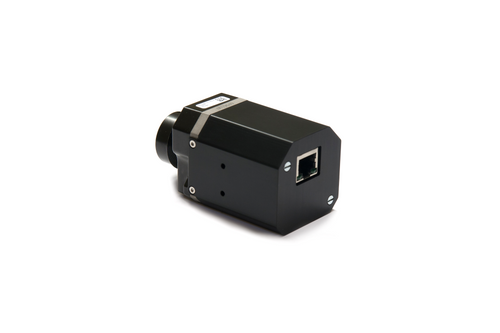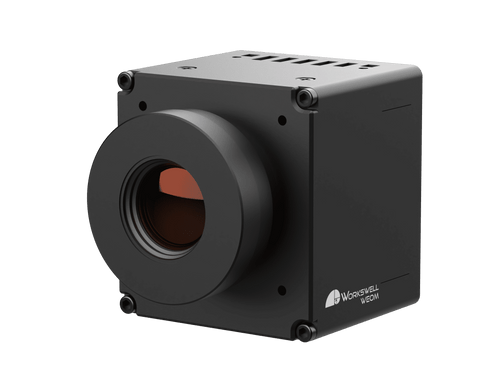


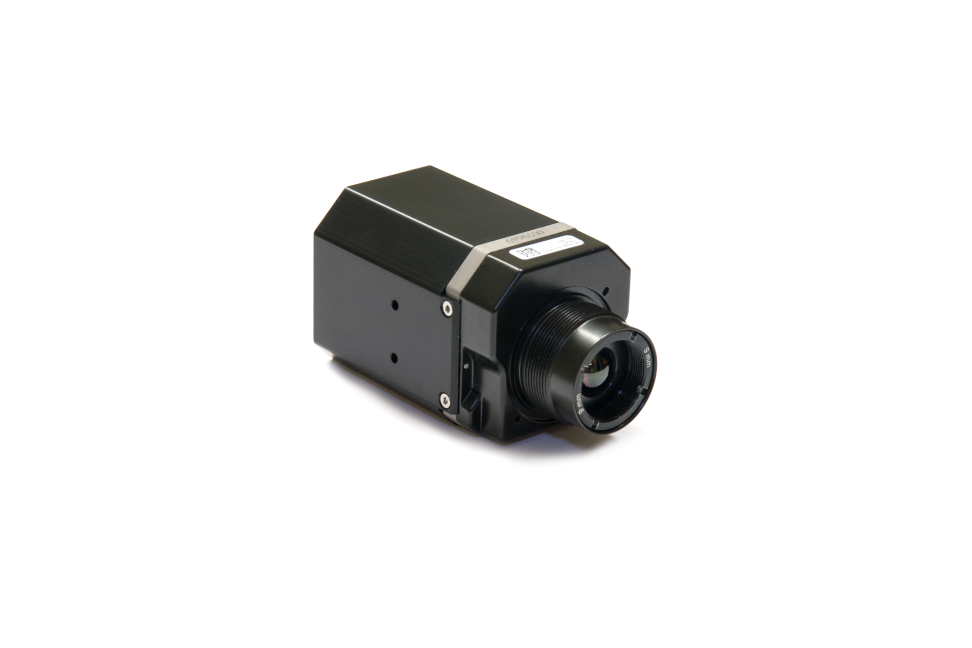
Workswell USB3 Modules for FLIR TAU2 Sensors (Compatible with all TAU2 units)
The Workswell USB3 module provides an easy and convenient way to connect any FLIR TAU2 thermal core to your PC. It's compatible with all TAU2 versions and automatically detects the image stream from the core. The TAU2 core is powered and controlled directly through the USB3 module via a 50-pin Hirose connector. The module's internal electronics are protected by a durable metal enclosure.
A key advantage is that the Workswell USB3 module draws its power directly from the USB3 cable, eliminating the need for a separate power source. This, combined with its low power consumption, reduces the need for specialized cooling solutions. The module is also fully compatible with the USB3 protocol.
The accompanying Workswell CorePlayer software streamlines the process. It automatically detects the USB3 module and the specific TAU2 core type, and will alert you to any incorrect IP address settings. You can configure the pixel resolution to either 8 or 14 RAW data format, depending on your core. The software offers various color palettes for displaying temperature values, along with an interactive sidebar and measurement tools. You can also manage core parameters like Gain, NUC, and perform a Factory Reset.
Features:
- Power over USB3
- TAU2 640, 336 compatibility
- TAU2 fast as well as slow versions
- Configuration Software CorePlayer available
- Easy Connection to TAU2 cameras
- Metal Enclosure with fixing screws available
- Tutorial App with Linux &Windows dll
- Low Power Module Consumption
- Automatic TAU2 Recognition
- Raw Data or Temperature Output
- Integrated analogue output
- Powerful measurement tools in CorePlayer
- External Sync function for multi TAU streaming
- NEW Special industrial version available
- Available to buy module without housing
Ordering information found in data sheet as well as contents of delivery