

Pointshape Inspector User Guide
-
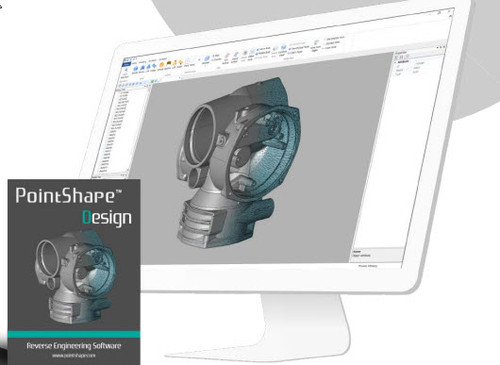
Easy to use and affordable industrial level inspecting solution, PointShape™ Inspector is a powerful 3D metrology software that allows to import all major CAD programs’ raw data and most of hardware manufacturers’ scan data.
It enables users to get real-time results from various inspection points and its feature-rich functionality will provide the most accurate analysis outcomes.
- Precise Quality Management Process
- CAD program Compatibility (Siemens NX, CATIA V5, Pro/ENGINEER)
- Export Quality Management Report
- Point & Polygon Data Editing and Healing Tool
Alignment: A total of 8 powerful Alignment features make alignment quick and easy.
Comparison: The Deviation function consists of Whole, Section and Point. This user-friendly feature can extract perfect results instantly.
2D, 3D Measurement: This software delivers a wide range of measurement tools that allow users to accomplish various tasks.
Section: Supports exporting a section polyline from section data in DXF format for further task of reverse engineering in another program.
GD&T: 6 types of GD&T is available. Full functional GD&T is coming soon.
Report: Not only PDF format, but now editable Excel format is also available. Users now freely change images, information, templates, etc.
Macro: Inspect Multiple-Scans of a part or similar parts by recording the customized workflow using a scan and automatically execute it on other scans.
Simply Create Geometry: Using selection tool, various reference geometries can be created directly.
Smart Function: “SMART MACRO” Simply Drag n Drop. Placing multiple scan data in the same designated folder, the SMART MACRO will automatically search for those saved scan data to multiply process whole inspection step-by-step and create multiple reports without man involve.